How to fix iPhone 6 or 6 Plus WiFi signal issues: not working or weak, WiFi can be turned on, but the signal is weak. It has no signal when being away from the router, Will simply replacing the antenna or the antenna cables fix it or is this a common issue where the iphone wifi chip on the motherboard is bad?
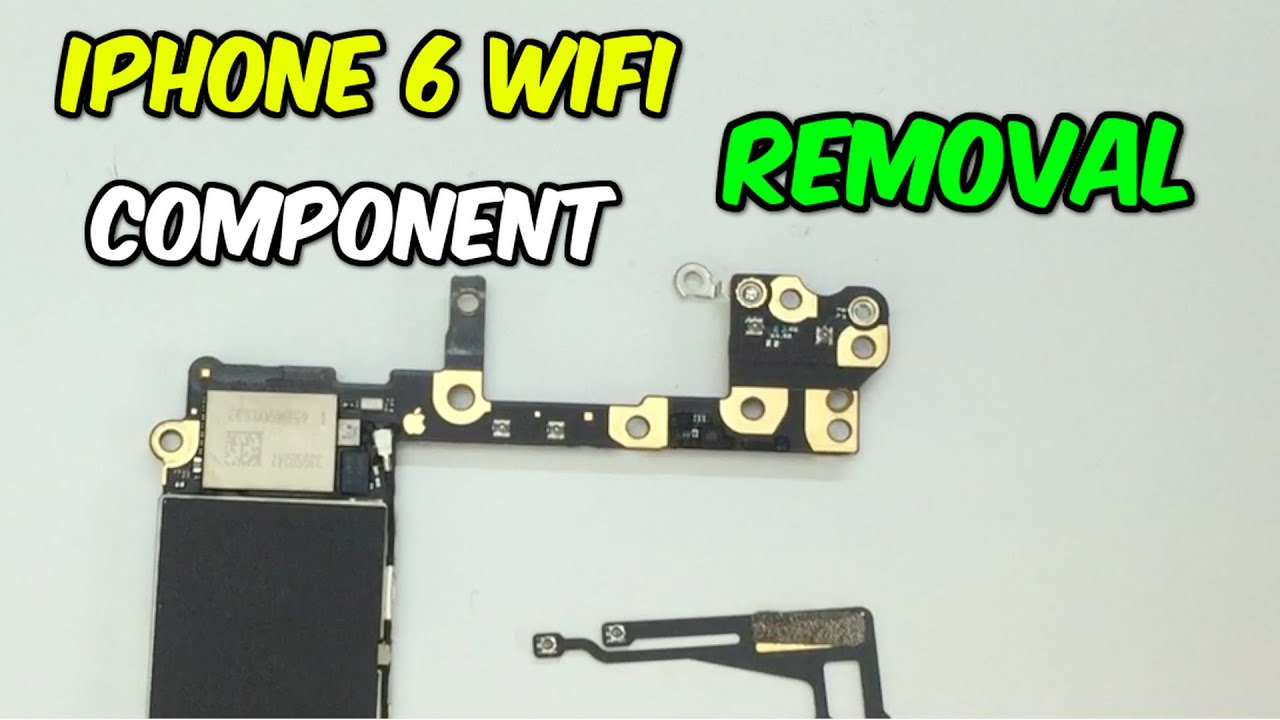
After turn on test only one or two WiFi hotspot can be found, and the signal is weak, but trouble-free iPhone can search more than ten hotspots. Therefore, the trouble can be considered as weak signal.

After open the iphone cable by Opening Repair Tools and OP Plus Disassemble Sucker, the iphone WiFi chip is found to be replaced. In order to test whether the chip is workable, using an accessory antenna to replace the peripheral antenna circuit of the chip. The way is to use a 10 cm enameled wire acting as antenna starting from C5213_RF near WiFi, as shown in below picture 1-1.
Turning on iPhone again after finish the above steps, many WiFi hotspots can be found now. At the same time, the signal has been normal. This is mainly because the WiFi signal filter FL_CELL_WIF_RF has been damaged. But the removal of filter has no effect on the iPhone operation. In the case of repair, we often use the enameled wire directly ignoring the filter.
As is shown in the PBC picture 1-2.
The real picture of placing the enameled wire is shown in picture 1-3.
After smearing the enameled wire with green oil and assembling test, the signal becomes normal. The trouble is removed.
Related link: https://www.ifixit.com/Answers/View/269592/WIFI+signal+is+weak%2C+which+part+should+I+replace
After turn on test only one or two WiFi hotspot can be found, and the signal is weak, but trouble-free iPhone can search more than ten hotspots. Therefore, the trouble can be considered as weak signal.
After open the iphone cable by Opening Repair Tools and OP Plus Disassemble Sucker, the iphone WiFi chip is found to be replaced. In order to test whether the chip is workable, using an accessory antenna to replace the peripheral antenna circuit of the chip. The way is to use a 10 cm enameled wire acting as antenna starting from C5213_RF near WiFi, as shown in below picture 1-1.
Turning on iPhone again after finish the above steps, many WiFi hotspots can be found now. At the same time, the signal has been normal. This is mainly because the WiFi signal filter FL_CELL_WIF_RF has been damaged. But the removal of filter has no effect on the iPhone operation. In the case of repair, we often use the enameled wire directly ignoring the filter.
As is shown in the PBC picture 1-2.
The real picture of placing the enameled wire is shown in picture 1-3.
After smearing the enameled wire with green oil and assembling test, the signal becomes normal. The trouble is removed.
Related link: https://www.ifixit.com/Answers/View/269592/WIFI+signal+is+weak%2C+which+part+should+I+replace
Comments
Post a Comment